
{{ getFeatureName(action_mode) }} your image

Drop your image here.
Our popular AI tools
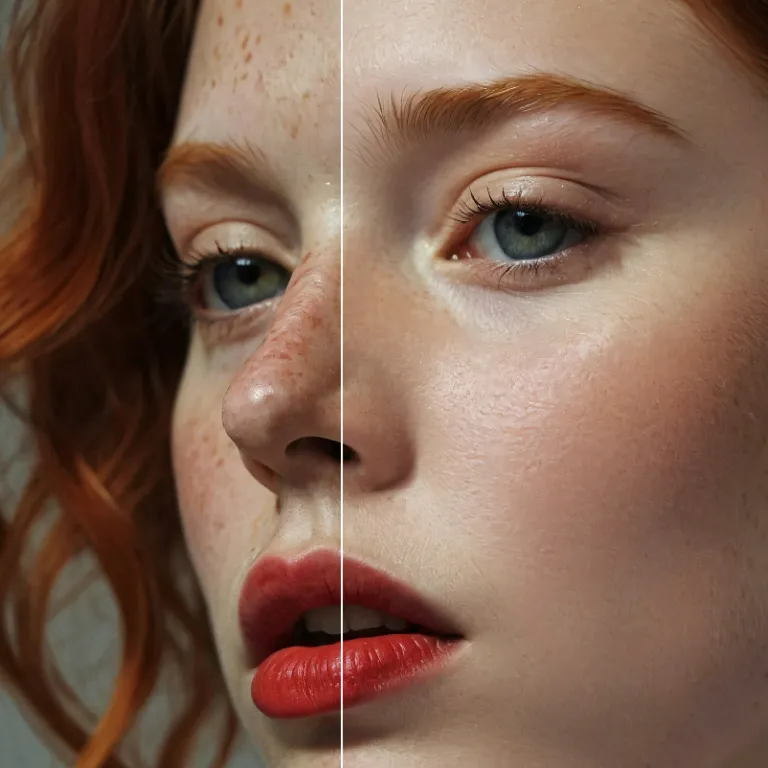
Enhance Photo
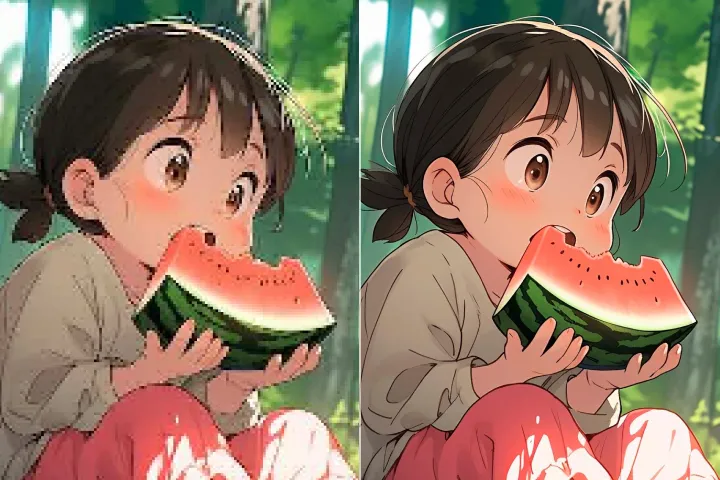
Automatically enhance the blurry photo's resolution and increase the overall quality.
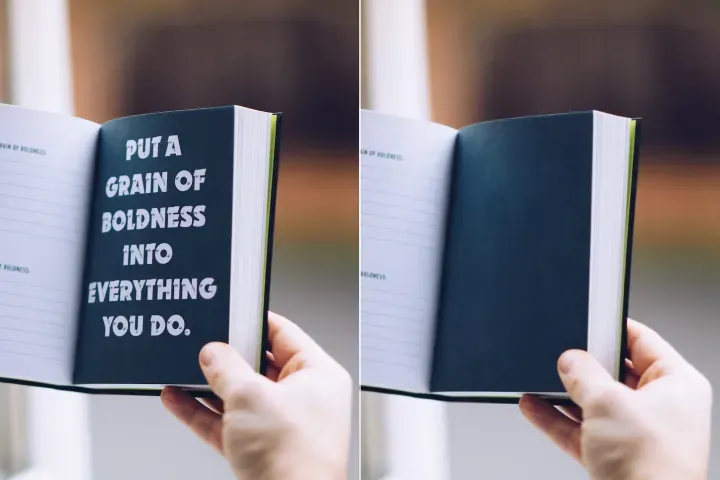
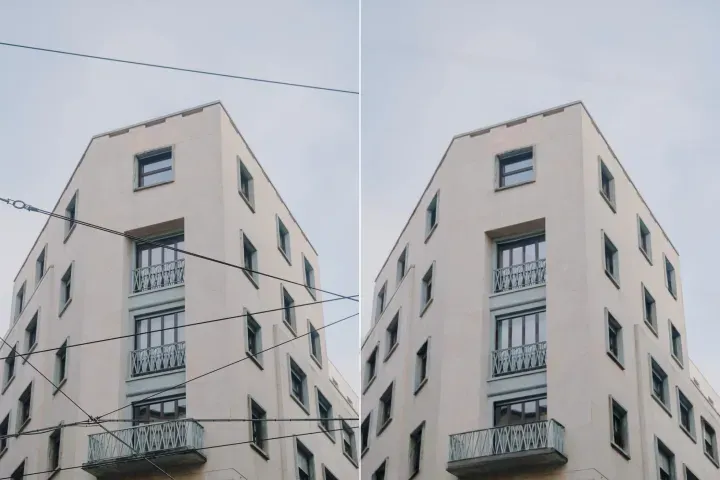
Remove Objects
AIPhotor's One-Touch AI simply detects and removes unwanted details in your picture.
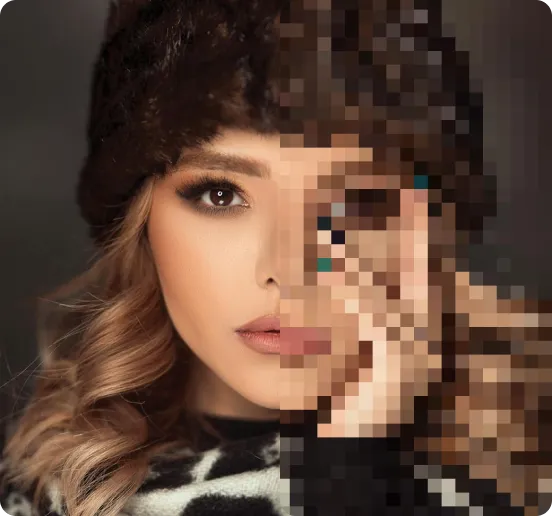
Remove Background
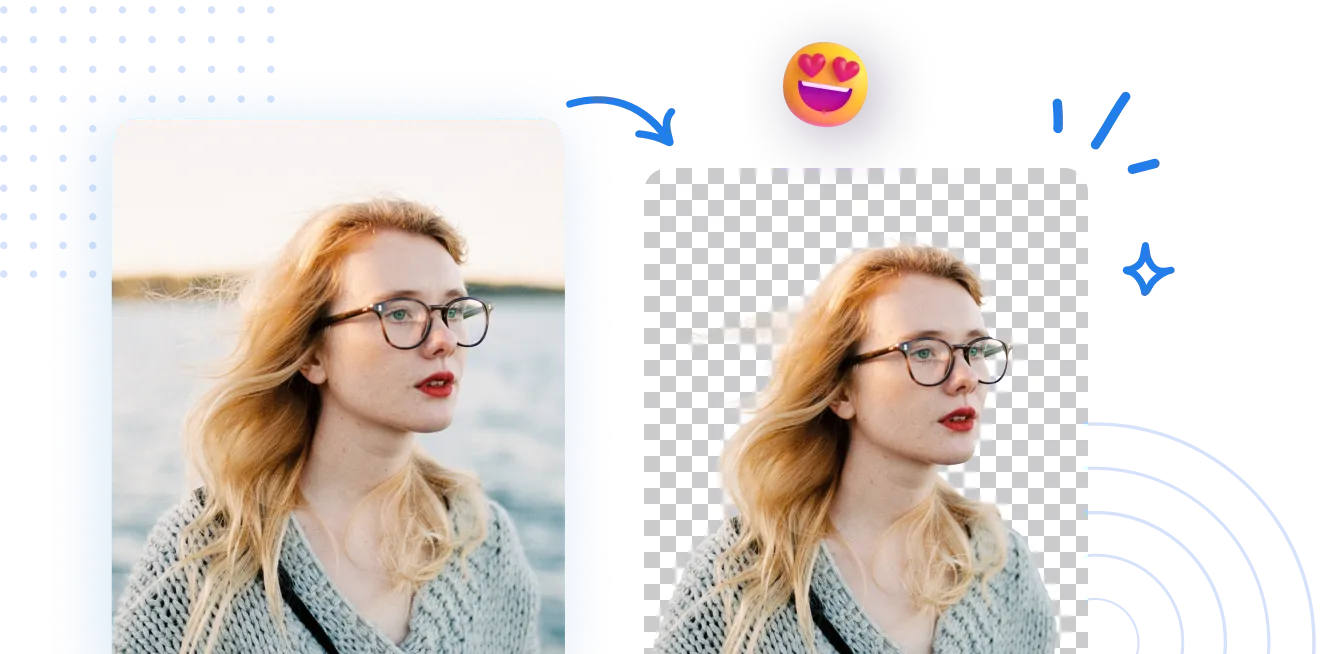
Seamlessly remove background from photos. Edit background with 100+ well-designed templates.
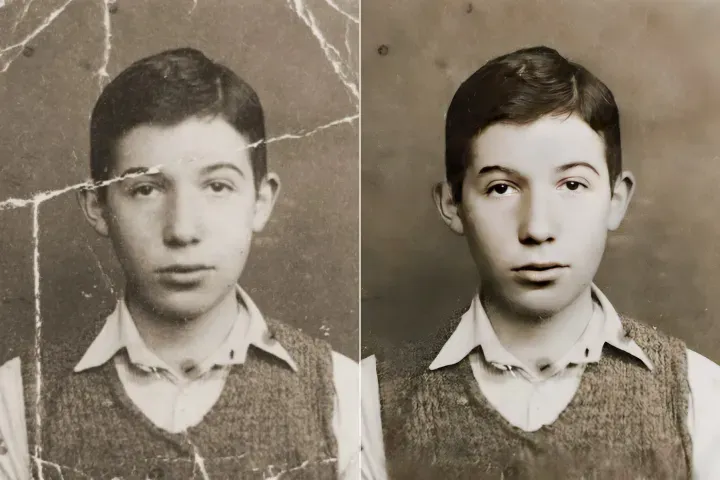
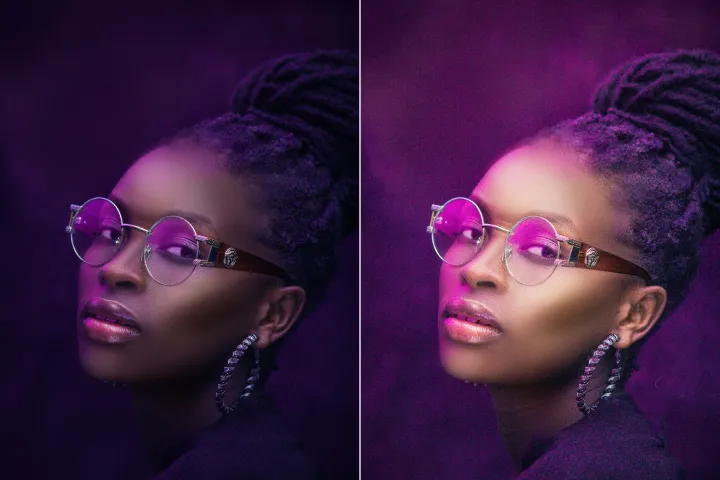
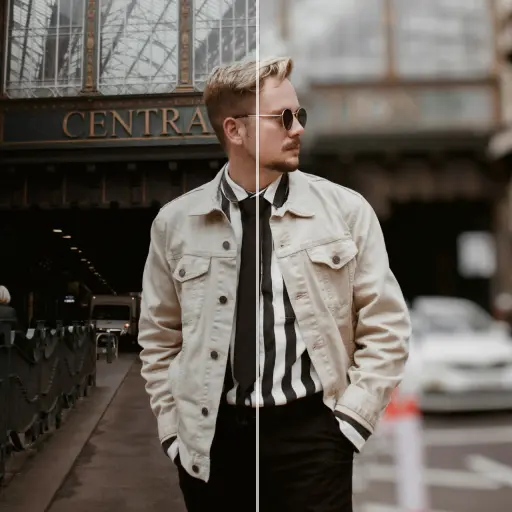
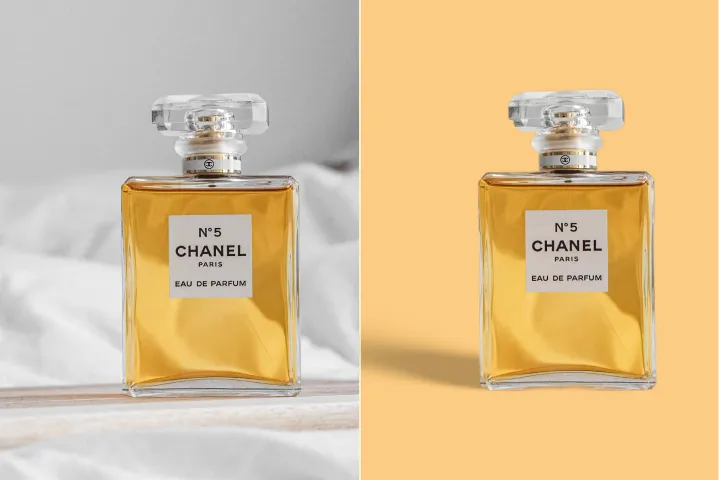
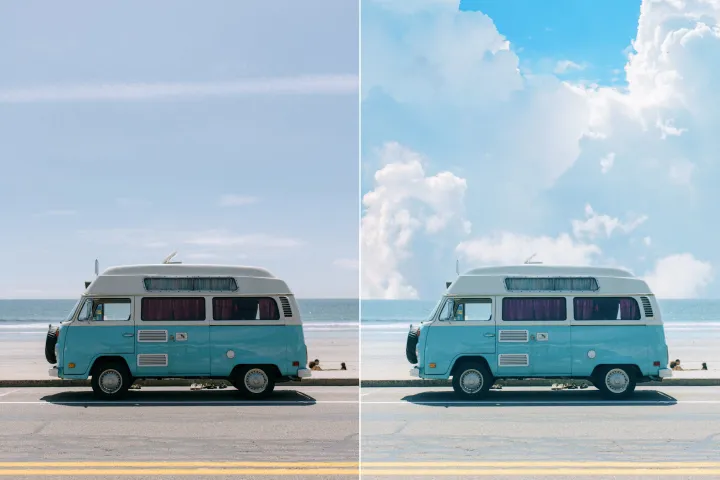
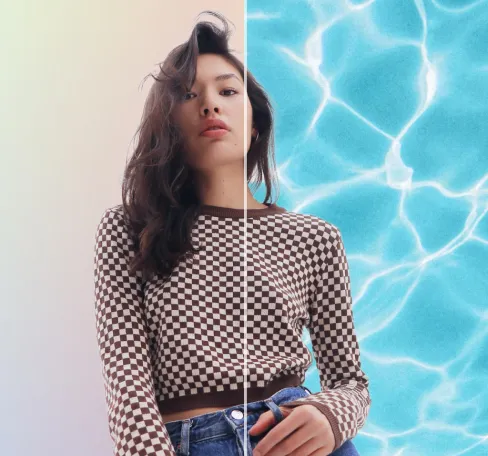
Suppression d'arrière-plan d'image
avec IA
Affinez les PDFs en supprimant rapidement les arrière-plans inutiles des actifs. Modifiez le contenu librement, ajustez les couleurs des pages, ajoutez des graphiques ou remplacez les arrière-plans en quelques clics avec AIPhotor.
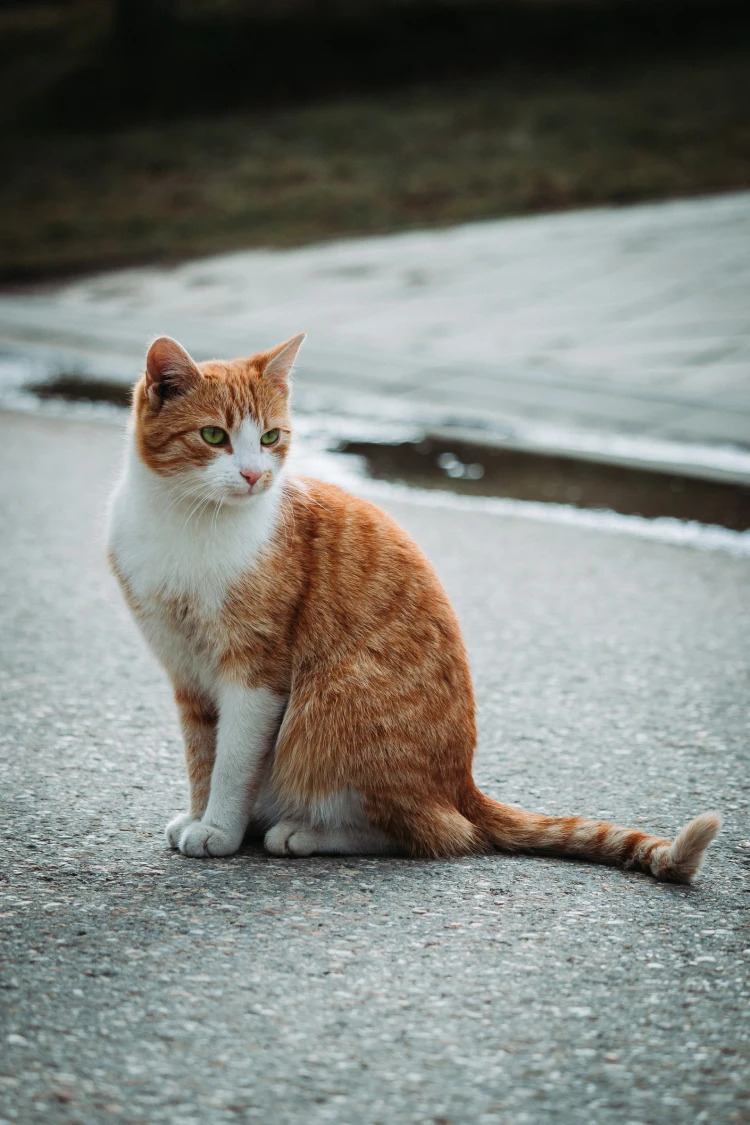
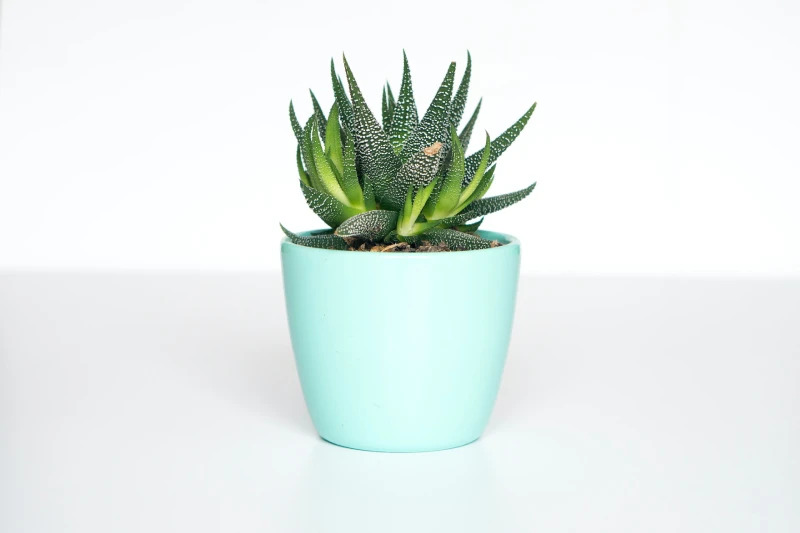
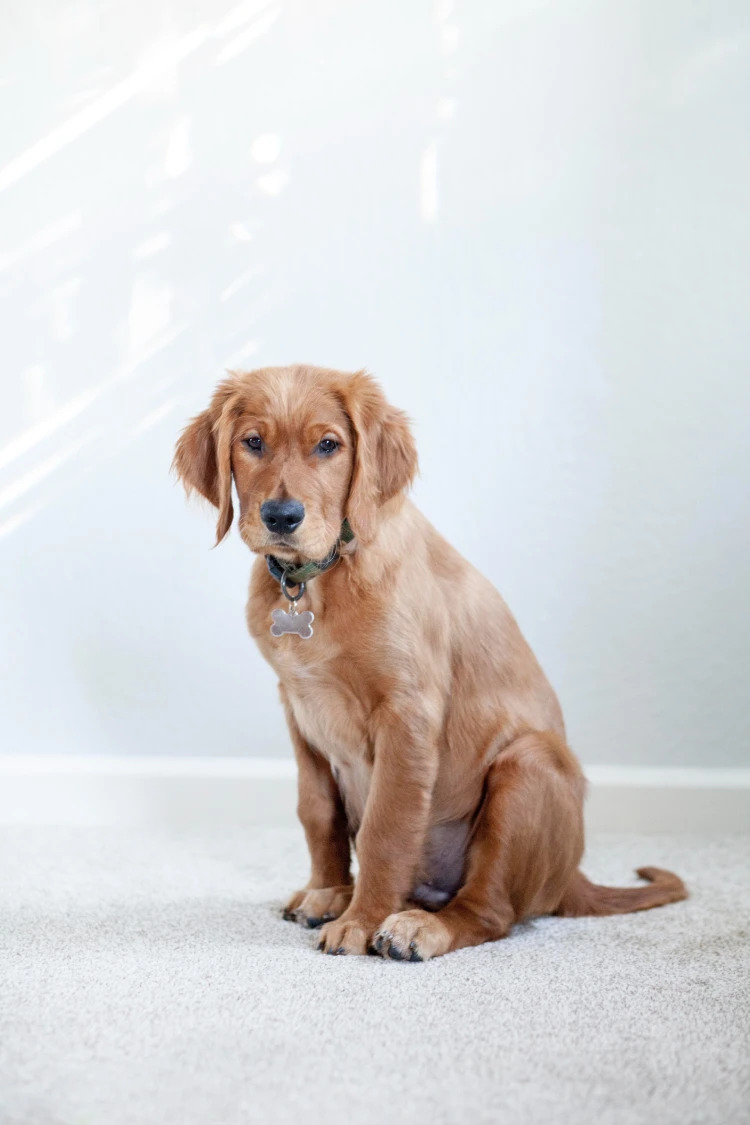
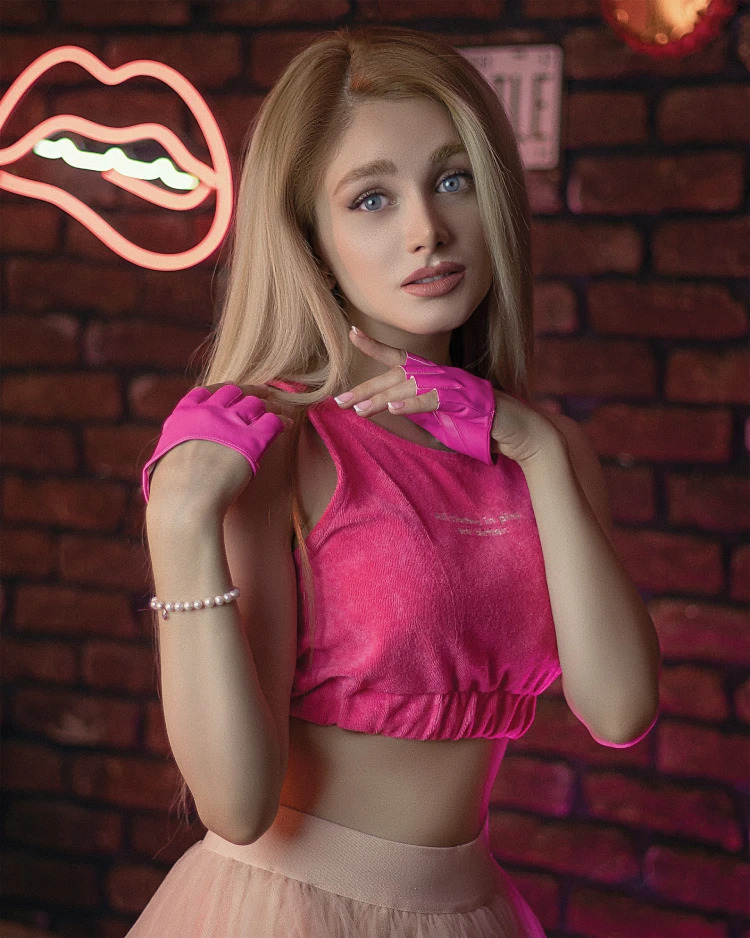
Comment supprimer l'arrière-plan d'une photo ?
Préparez les PDFs avec l'outil Background Remover en 3 étapes simples. Tout d'abord, accédez à la fonction Background Remover et suivez les instructions pour nettoyer les actifs en vue de la livraison finale.
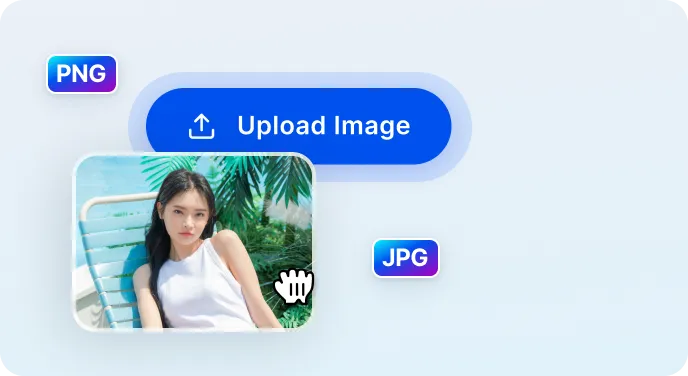
1 Importer l'image
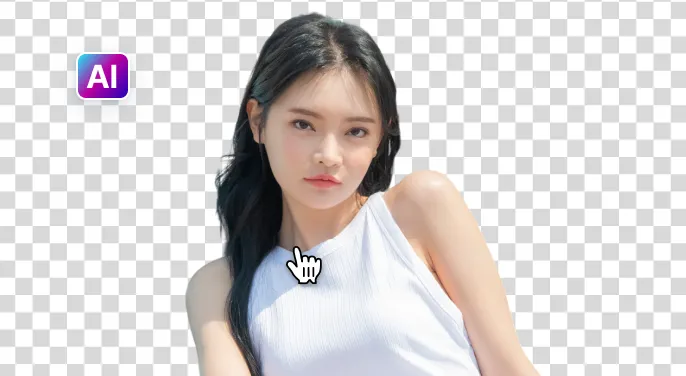
2 Attendez que l'IA retire l'arrière-plan
3 Télécharger l'image
Retirez l'arrière-plan de l'image plus facilement avec IA
Effaceur d'arrière-plan rapide et précis
AIPhotor détecte rapidement et retire les arrière-plans en moins de 5 secondes, préservant les détails essentiels pour des actifs propres et prêts à la publication.

Options d’édition puissantes
Affinez les visuels prêts pour PDF avec nos outils d'édition alimentés par l'IA. Ajoutez ou supprimez du texte et des objets, redimensionnez les actifs, améliorez la qualité et bien plus encore, le tout sur la plateforme pour une livraison finale.

Éditer, remplacer ou rendre l'arrière-plan transparent
Rendez les arrière-plans transparents ou remplacez-les par l'un des plus de 1500 modèles, ou téléchargez les vôtres pour s'adapter aux mises en page PDF. Idéal pour les fiches produit, les PDFs promotionnels et les documents d'entreprise.


Free to Try
AIPhotor is free to try for 3 days, after which you can subscribe to one of our incredible value plans.

Free to Try
We automatically sharpen and transform your images with AI to create multiple final looks. But you can also adjust and add a prompt to customize the results. Choose what works best for you!

Quick & Easy
Screen, edit, resize and download your photos lightning fast.

Compatible with all devices
AIPhotor is available on the iOS and Android stores. Our app works seamlessly across mobile, desktop, and tablet devices.
Frequently Asked Questions
-
What is AIPhotor Photo Editor?

 AIPhotor is a visual online photo editing website that leverages AI technology to help automatically remove objects/people from images; retouch, enhance, colorize, correct, cartoonize, and animate photos in a snap, replacing other photo editing tools Photoshop, Pixlr editor, or Photopea.
Or just drag & drop image here, upto 50 images at once
Or just drag & drop image here, upto 50 images at once
Frequently Asked Questions
-
What is AIPhotor Photo Editor?
AIPhotor is a visual online photo editing website that leverages AI technology to help automatically remove objects/people from images; retouch, enhance, colorize, correct, cartoonize, and animate photos in a snap, replacing other photo editing tools Photoshop, Pixlr editor, or Photopea.