
{{ getFeatureName(action_mode) }} your image

Drop your image here.
Our popular AI tools
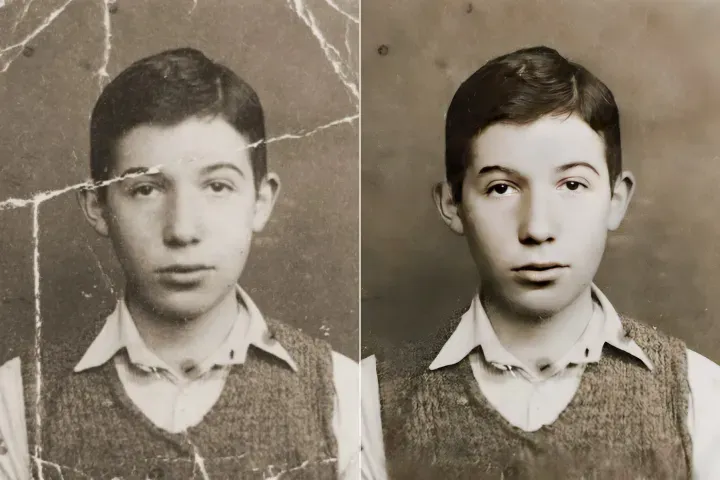
Enhance Photo
Automatically enhance the blurry photo's resolution and increase the overall quality.
Remove Objects
AIPhotor's One-Touch AI simply detects and removes unwanted details in your picture.
Remove Background
Seamlessly remove background from photos. Edit background with 100+ well-designed templates.
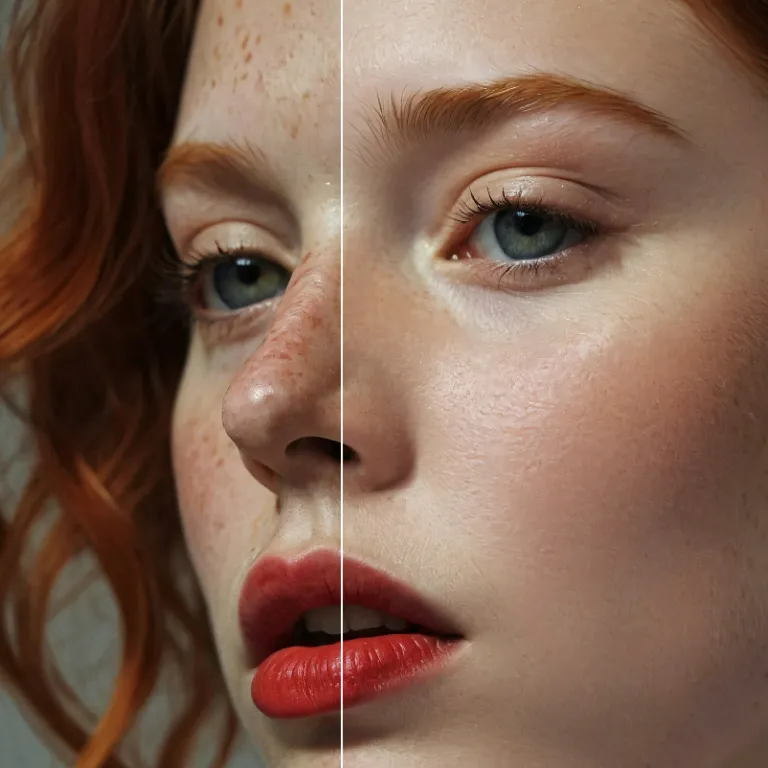
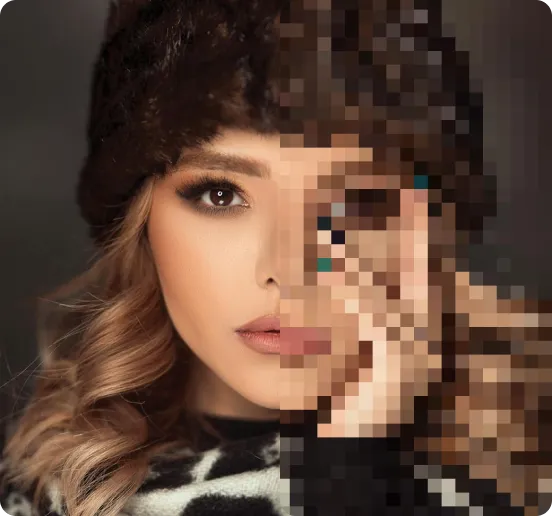
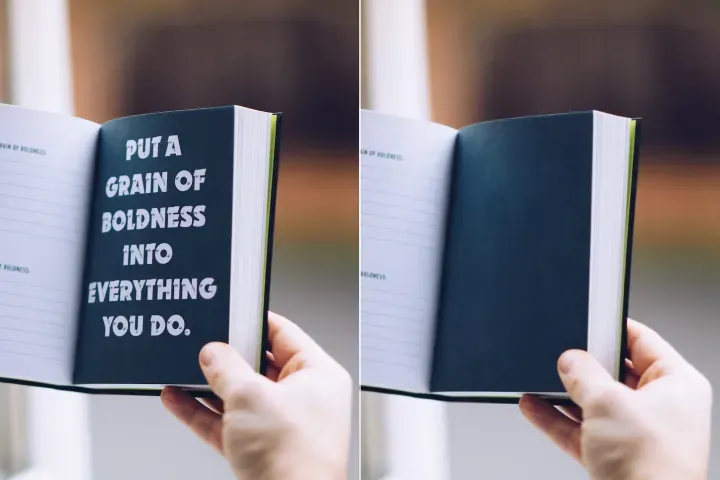
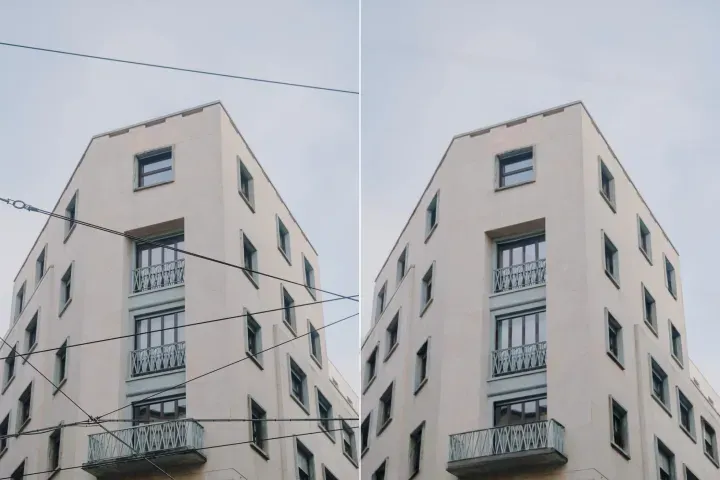

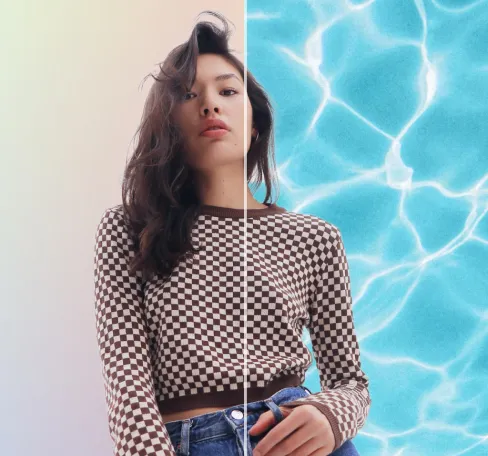
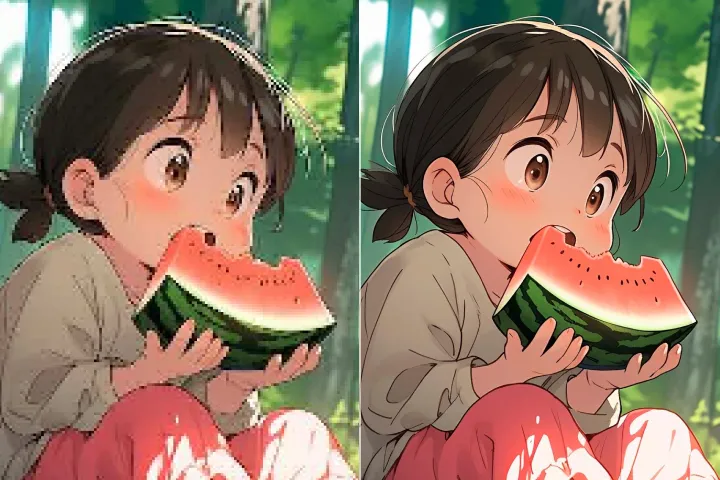
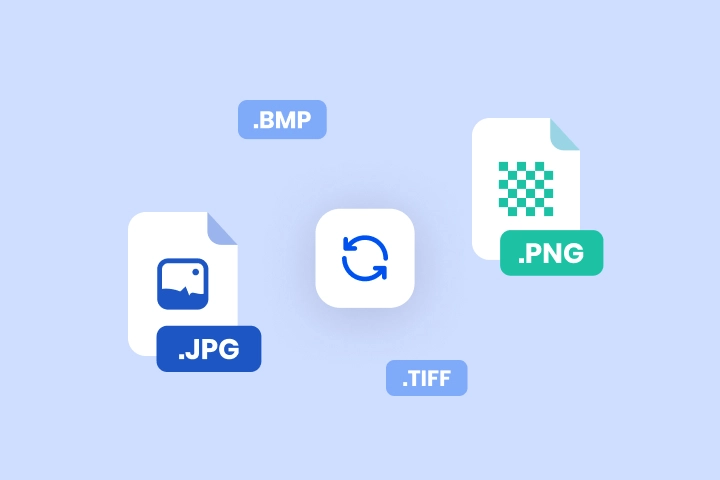
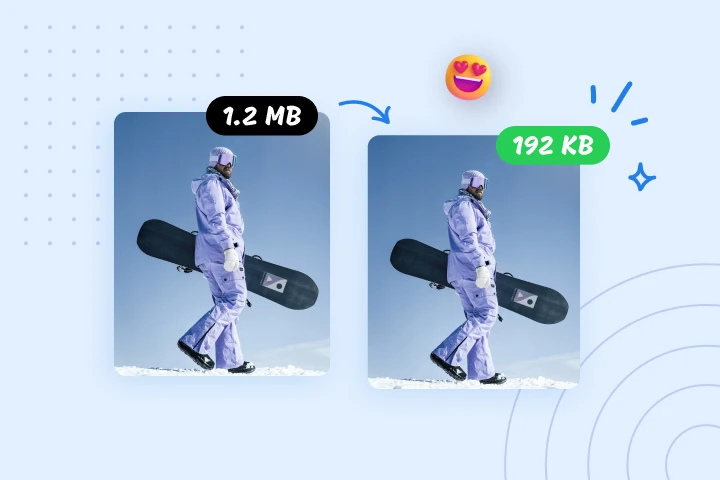
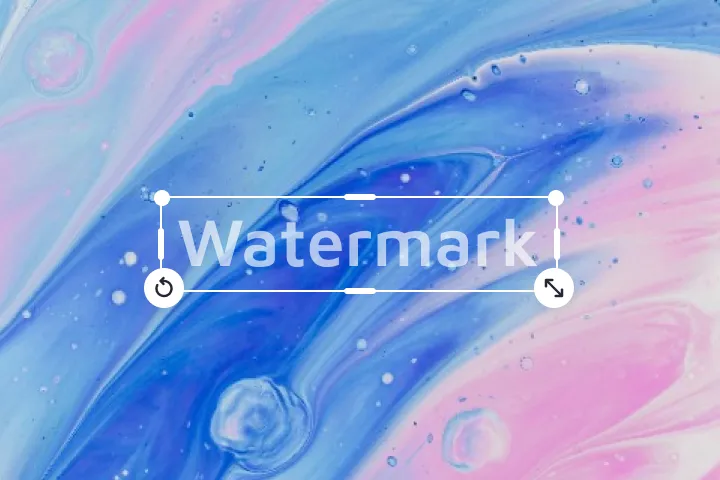
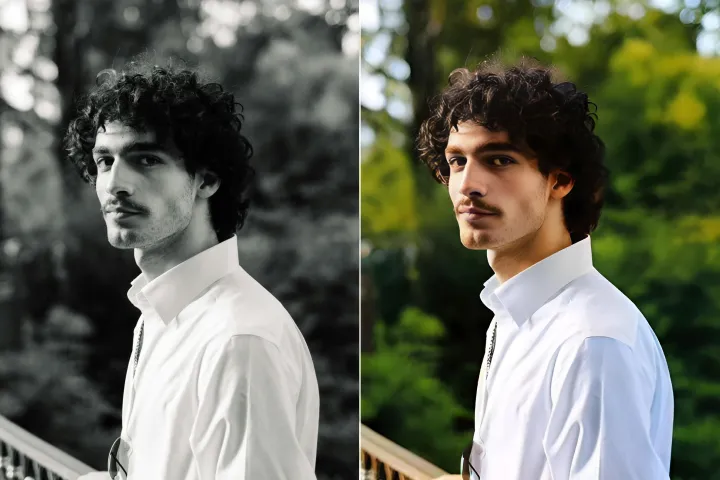
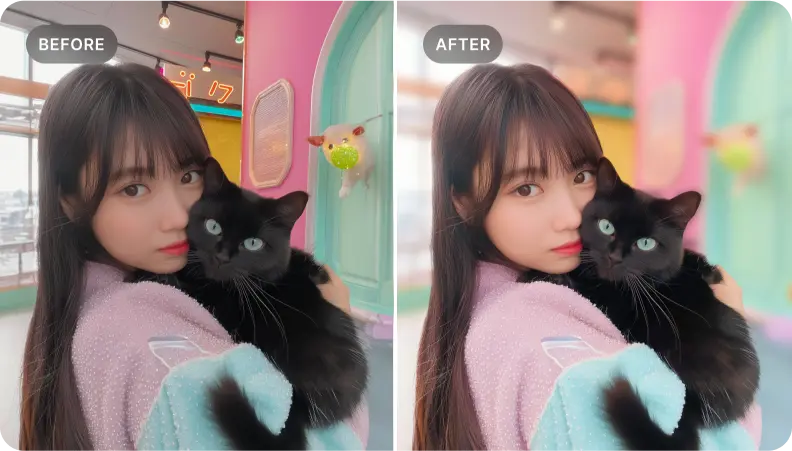
Rozmyj tło zdjęć za darmo
Łatwo twórz dopracowane pliki PDF za pomocą narzędzia do ulepszania. Szybko i za darmo.
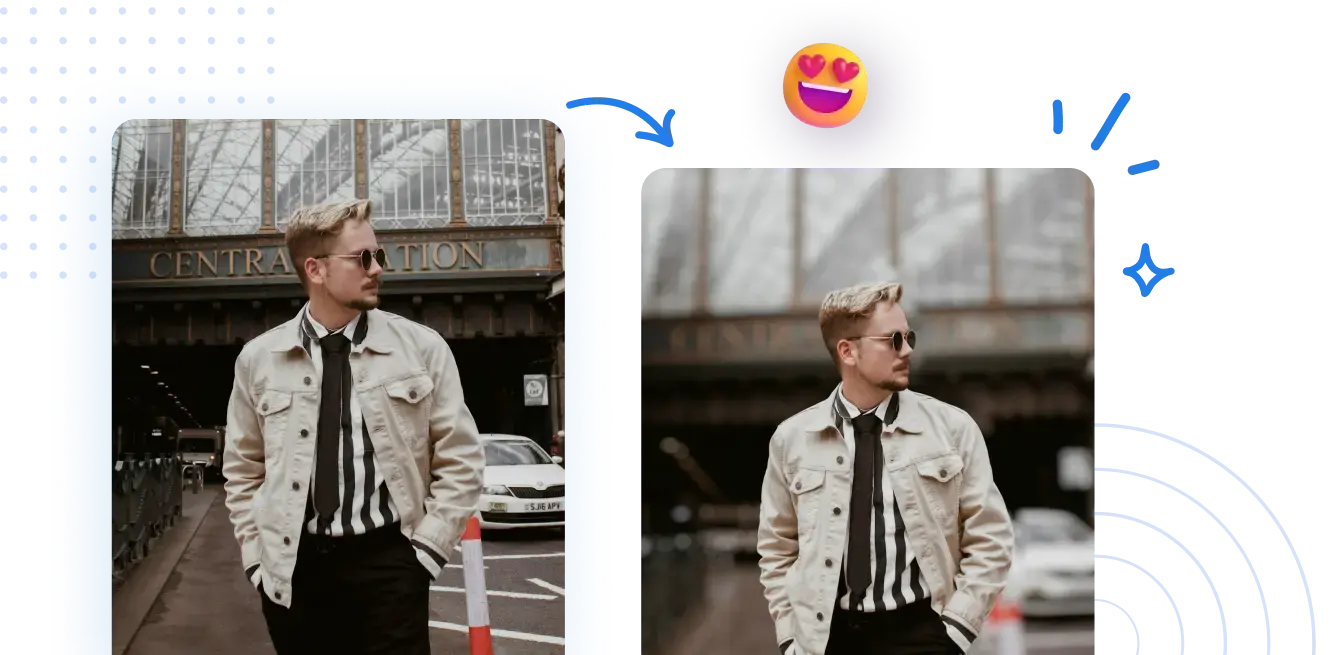
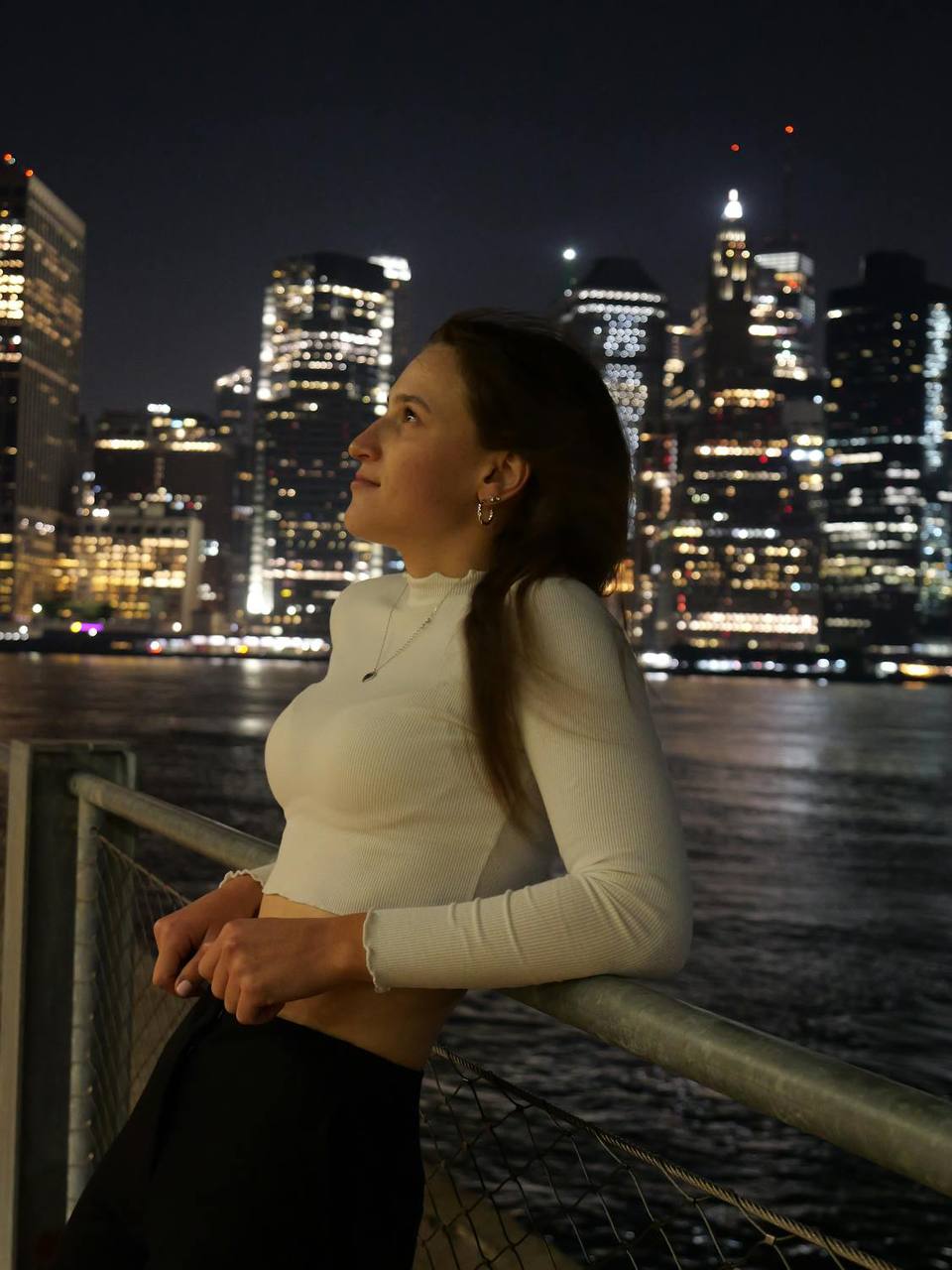



Jak udoskonalić tło i układ pliku PDF online.
Nie są wymagane żadne skomplikowane kroki. Przygotuj pliki PDF do końcowego użytku, wprowadzając kilka celowych ulepszeń wizualnych, co zapewni dopracowany, gotowy do użycia dokument.
1 Prześlij zdjęcie
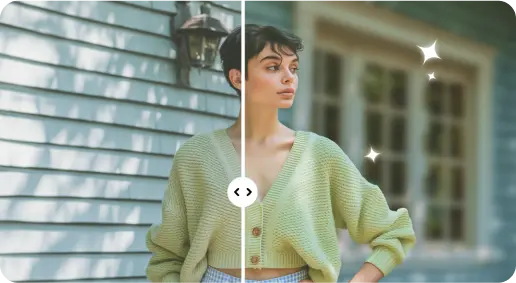
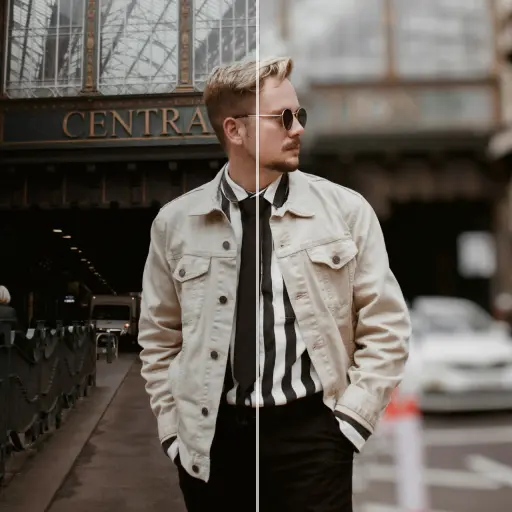
2 Rozmyj tło za pomocą efektów opartych na sztucznej inteligencji

3 Zapisz nowe zdjęcie
Edge-Perfect Narzędzie do rozmycia tła
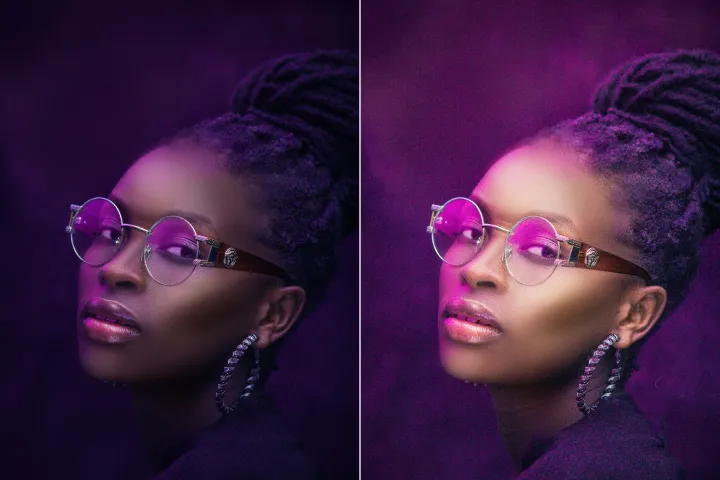
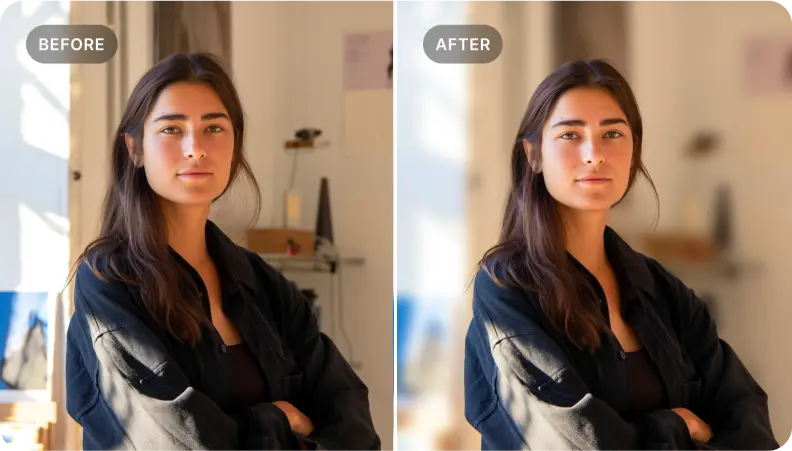
Dodaj głębię do zdjęć portretowych
Zastosuj dopracowaną obróbkę tła, aby podkreślić kluczowe elementy wizualne w pliku PDF, dodając głębię układom i zapewniając ostrość najważniejszych elementów w finalnym wydaniu.
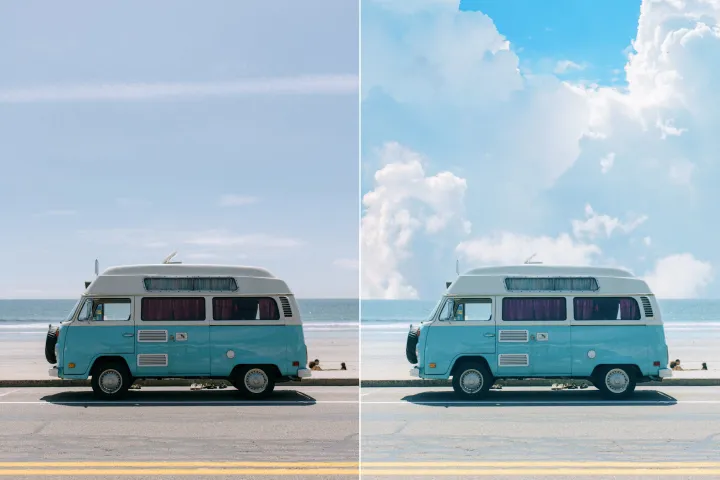
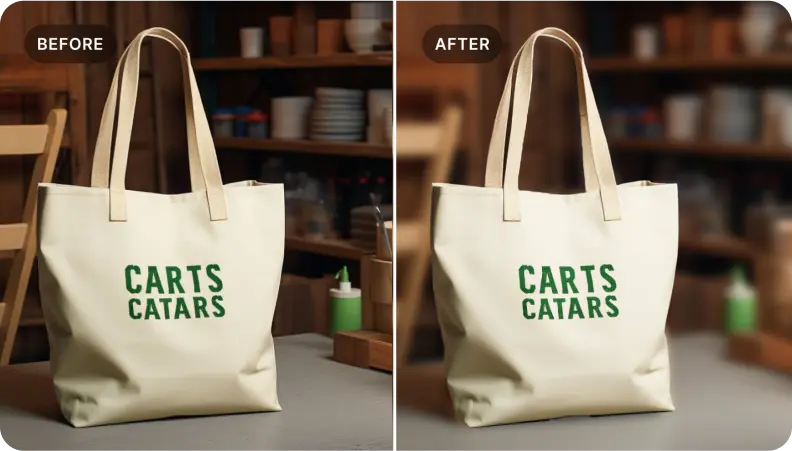
Ulepsz wizualizacje produktów dla końcowych plików PDF i katalogów.
W wizualizacjach produktów przygotowanych do plików PDF dopracuj tła, aby uwydatnić szczegóły produktu. Dostarczaj czyste, przyciągające uwagę obrazy, które wspierają cele katalogowe i marketingowe w ostatecznych dokumentach.
Izoluj kluczowe elementy dla przejrzystości końcowego pliku PDF.
Idealne dla projektantów dokumentów dążących do izolowania kluczowych elementów. Zastosuj dopracowaną obróbkę tła, aby tworzyć klarowne, opowiadające historię wizualizacje w finalnych plikach PDF.

Free to Try
AIPhotor is free to try for 3 days, after which you can subscribe to one of our incredible value plans.

Free to Try
We automatically sharpen and transform your images with AI to create multiple final looks. But you can also adjust and add a prompt to customize the results. Choose what works best for you!

Quick & Easy
Screen, edit, resize and download your photos lightning fast.

Compatible with all devices
AIPhotor is available on the iOS and Android stores. Our app works seamlessly across mobile, desktop, and tablet devices.
Frequently Asked Questions
-
What is AIPhotor Photo Editor?

 AIPhotor is a visual online photo editing website that leverages AI technology to help automatically remove objects/people from images; retouch, enhance, colorize, correct, cartoonize, and animate photos in a snap, replacing other photo editing tools Photoshop, Pixlr editor, or Photopea.
Or just drag & drop image here, upto 50 images at once
Or just drag & drop image here, upto 50 images at once
Frequently Asked Questions
-
What is AIPhotor Photo Editor?
AIPhotor is a visual online photo editing website that leverages AI technology to help automatically remove objects/people from images; retouch, enhance, colorize, correct, cartoonize, and animate photos in a snap, replacing other photo editing tools Photoshop, Pixlr editor, or Photopea.