
{{ getFeatureName(action_mode) }} your image

Drop your image here.
Our popular AI tools
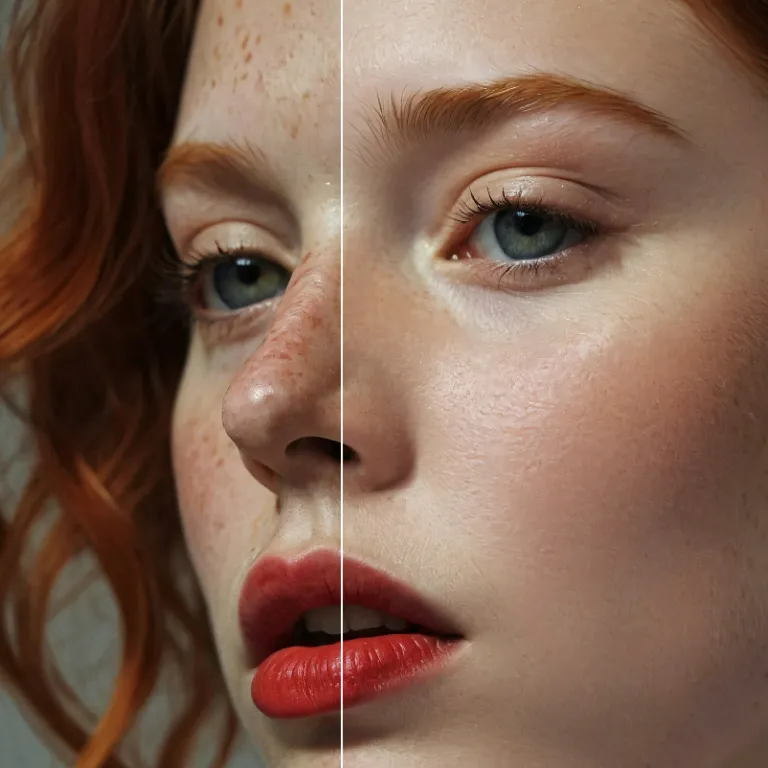
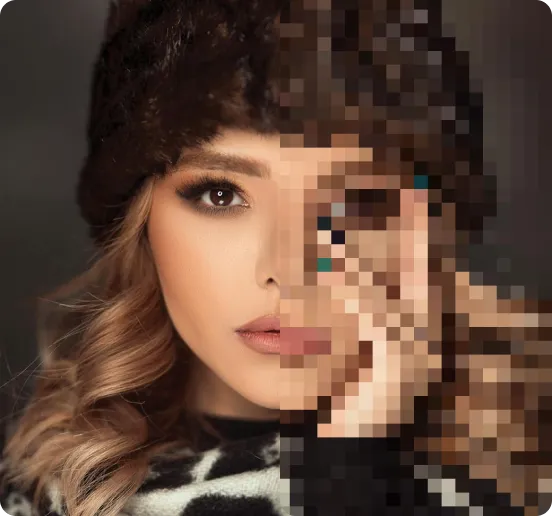
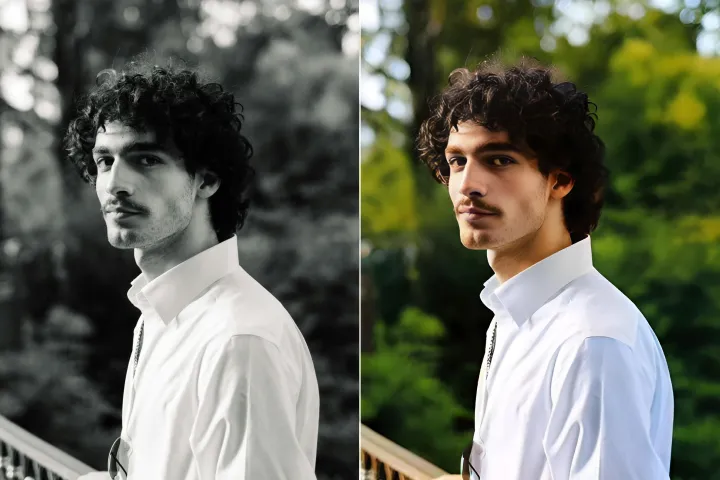
Enhance Photo
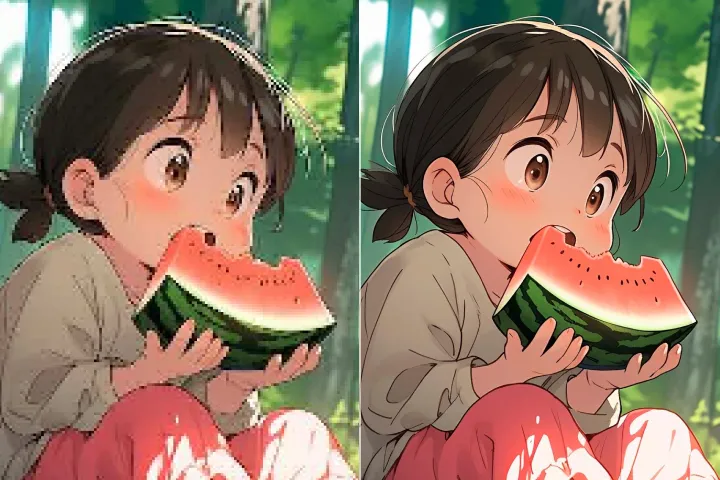
Automatically enhance the blurry photo's resolution and increase the overall quality.
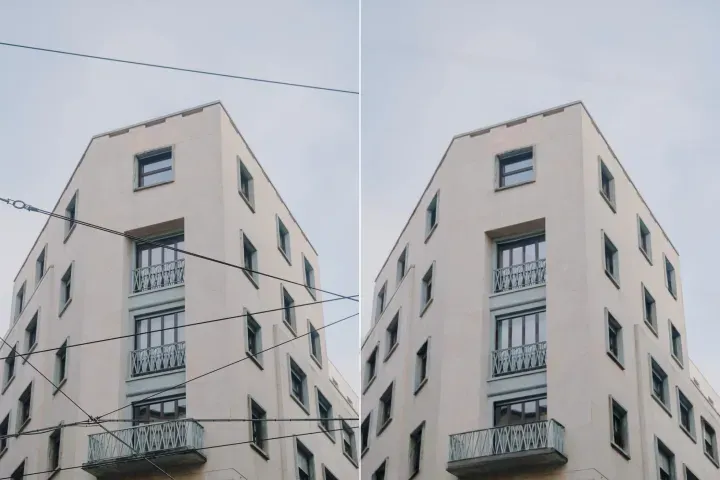
Remove Objects
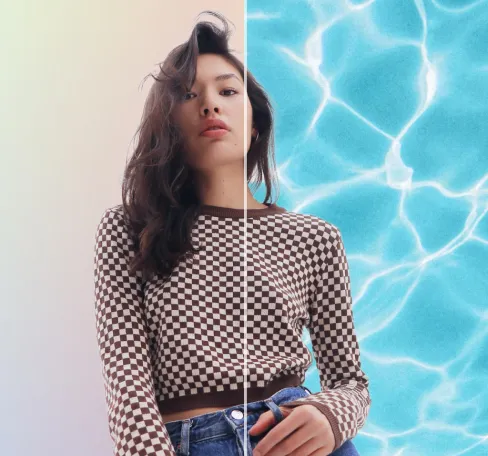
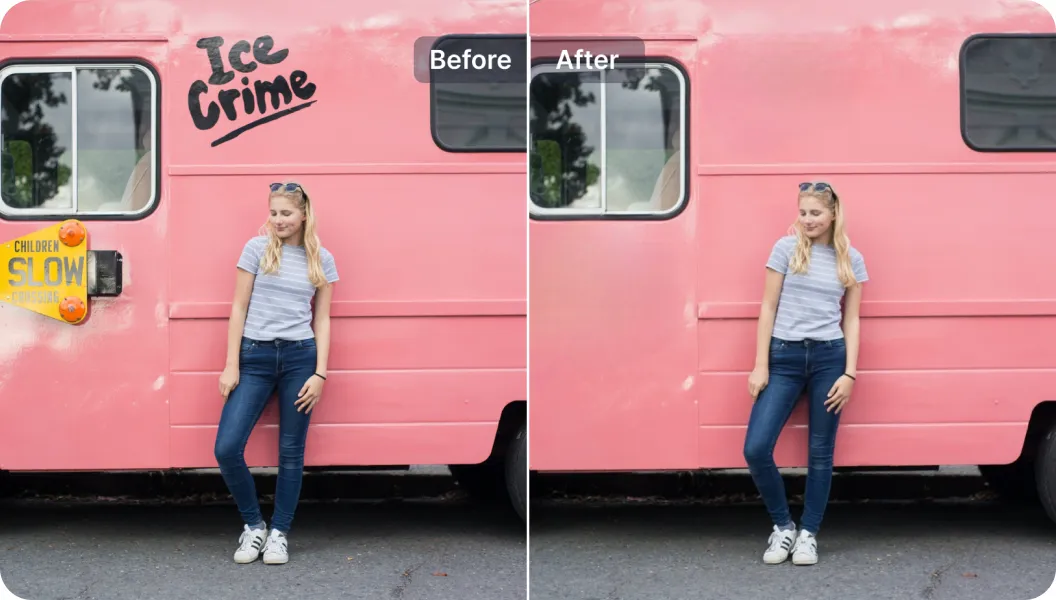
AIPhotor's One-Touch AI simply detects and removes unwanted details in your picture.
Remove Background
Seamlessly remove background from photos. Edit background with 100+ well-designed templates.
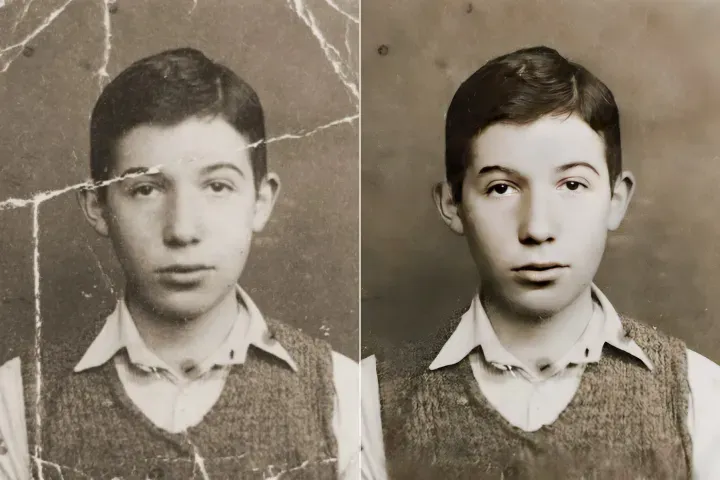
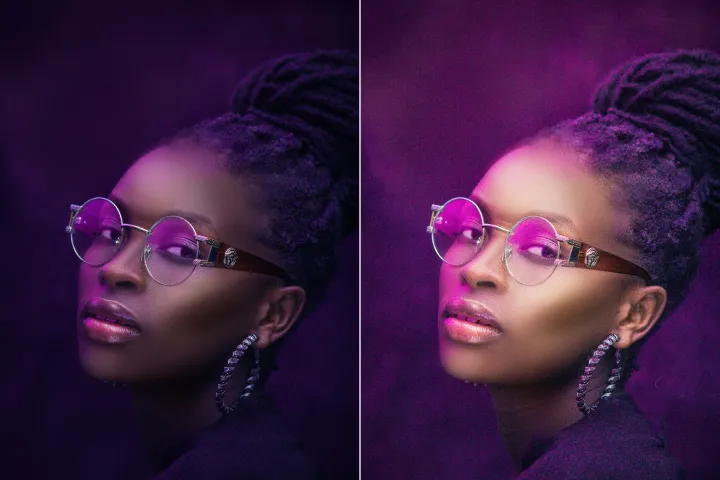
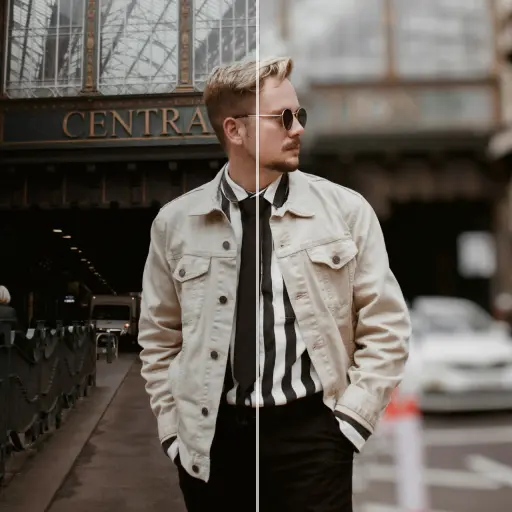

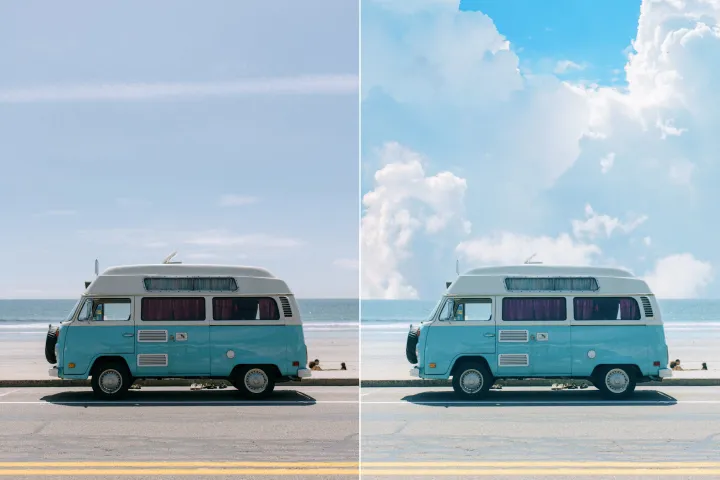
ลบวัตถุ
จากภาพถ่าย
การตรวจจับและลบองค์ประกอบที่ไม่ต้องการโดยอัตโนมัติด้วย AI เพื่อปรับปรุงภาพให้เรียบร้อยสำหรับ PDF ขั้นสุดท้าย





วิธีลบวัตถุออกจากภาพให้พร้อมใช้งานใน PDF ที่พร้อมส่งออก
ทำตามสี่ขั้นตอนที่แม่นยำเพื่อทำความสะอาดและปรับภาพของคุณให้พร้อมสำหรับการส่งออกเป็น PDF ที่พร้อมใช้งาน
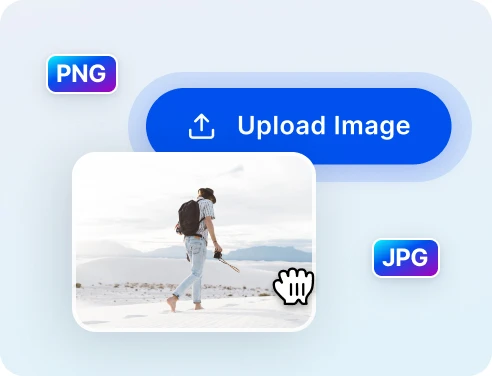
1 อัปโหลดภาพเพื่อทำความสะอาด
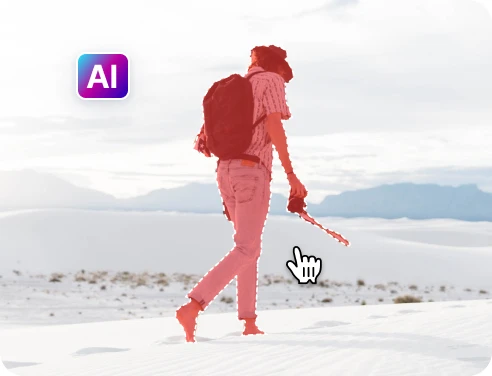
2 เลือกวัตถุที่จะลบ
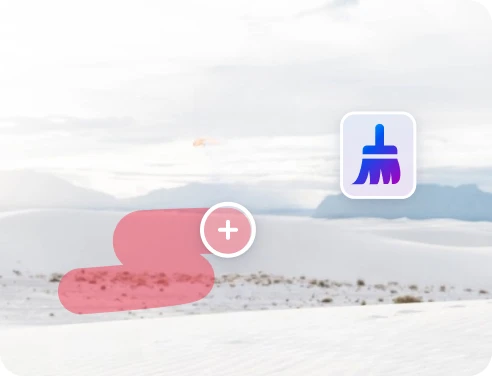
3 ปรับและดูตัวอย่าง
4 ดาวน์โหลดและแชร์
การลบวัตถุที่รวดเร็วและแม่นยำด้วย เทคโนโลยี AI
AI ลบวัตถุได้อย่างทรงพลัง
AIPhotor ลบองค์ประกอบที่ไม่ต้องการได้อย่างรวดเร็วและแม่นยำยิ่งขึ้น ช่วยปรับปรุงและทำให้ PDF สมบูรณ์
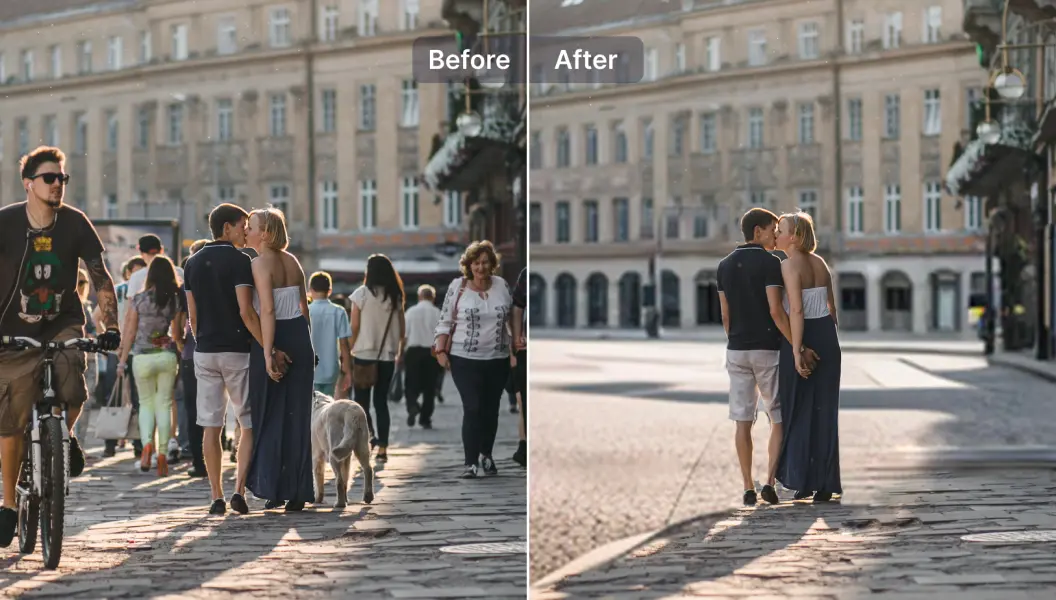
ลบนักท่องเที่ยวออกจากภาพถ่ายการเดินทาง
ลบคนหรือวัตถุที่รบกวนได้อย่างง่ายดาย เพื่อให้ภาพมีความเรียบร้อยยิ่งขึ้นสำหรับเอกสารขั้นสุดท้าย
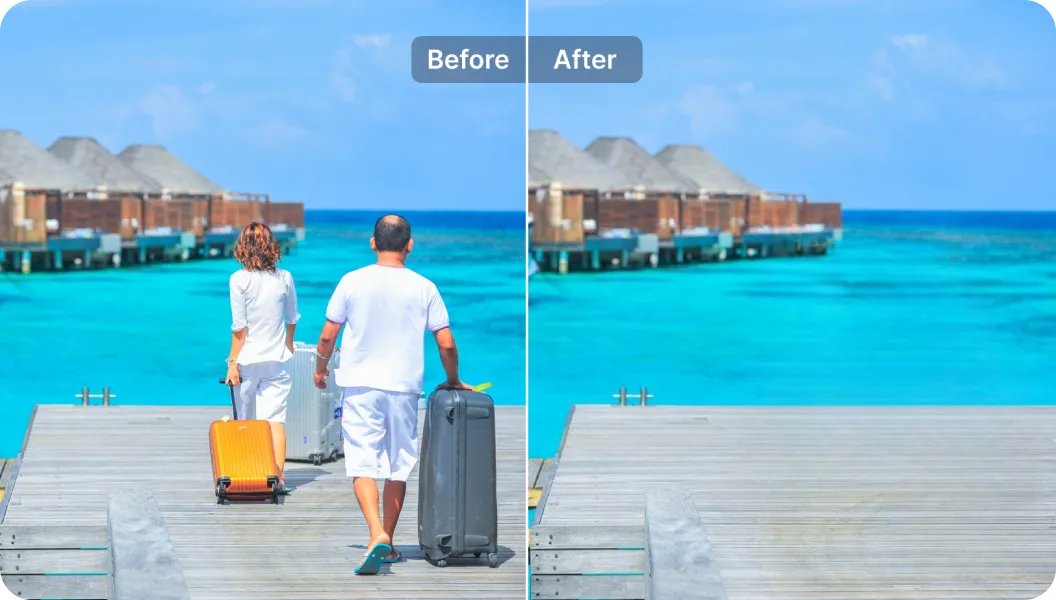
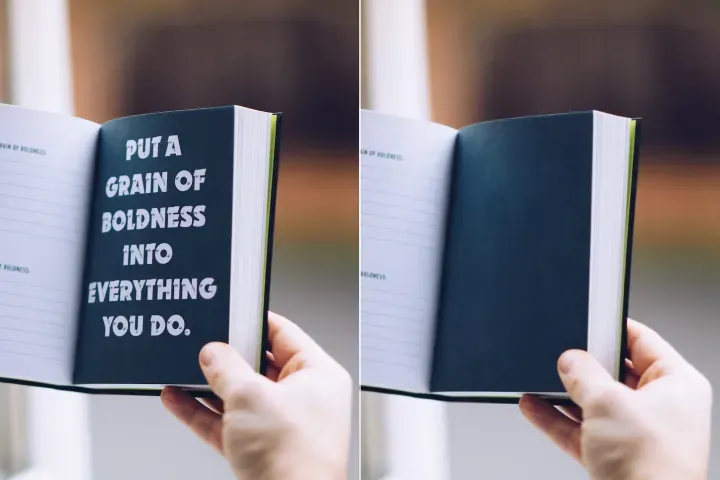
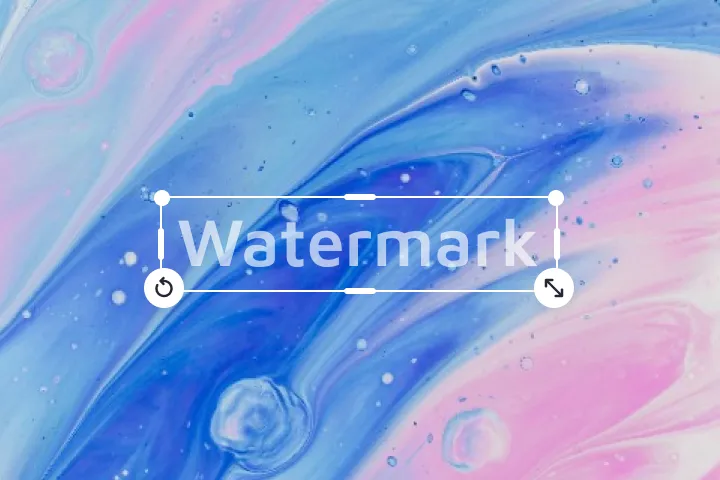
ลบข้อความที่ไม่ต้องการ
ลบข้อความที่มีอยู่บนภาพและเพิ่มเติมคำบรรยายอย่างราบรื่น ทำให้ภาพดูเรียบร้อยพร้อมใช้งานในขั้นสุดท้าย

Free to Try
AIPhotor is free to try for 3 days, after which you can subscribe to one of our incredible value plans.

Free to Try
We automatically sharpen and transform your images with AI to create multiple final looks. But you can also adjust and add a prompt to customize the results. Choose what works best for you!

Quick & Easy
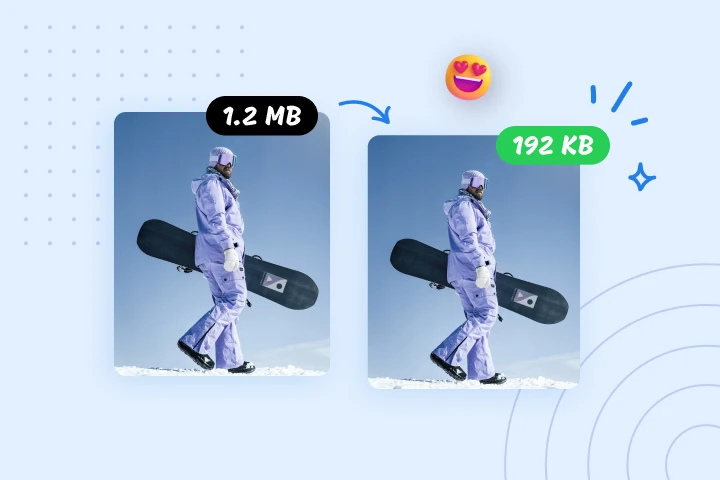
Screen, edit, resize and download your photos lightning fast.

Compatible with all devices
AIPhotor is available on the iOS and Android stores. Our app works seamlessly across mobile, desktop, and tablet devices.
Frequently Asked Questions
-
What is AIPhotor Photo Editor?

 AIPhotor is a visual online photo editing website that leverages AI technology to help automatically remove objects/people from images; retouch, enhance, colorize, correct, cartoonize, and animate photos in a snap, replacing other photo editing tools Photoshop, Pixlr editor, or Photopea.
Or just drag & drop image here, upto 50 images at once
Or just drag & drop image here, upto 50 images at once
Frequently Asked Questions
-
What is AIPhotor Photo Editor?
AIPhotor is a visual online photo editing website that leverages AI technology to help automatically remove objects/people from images; retouch, enhance, colorize, correct, cartoonize, and animate photos in a snap, replacing other photo editing tools Photoshop, Pixlr editor, or Photopea.