Drop files here
Compress PDF file
Finalize PDFs by minimizing size while preserving peak quality and structural integrity.
Select PDF files

or drop PDF here
Effortlessly refine and finalize PDF sizes online with our free compression tool. Engineered for efficient workflows and clean file handling.
-
Reduce file size with no noticeable impact on final quality for delivery.
-
Quick, simple, and effective PDF compression.
-
Compress PDFs across any browser, device, or platform for consistent finalization.
Top Online PDF Compression Tool
Compress large PDFs rapidly for final delivery. Ideal for emailing, sharing, or archiving, and completely free.
Flexible PDF Compression
Choose from multiple compression levels to minimize size without compromising clarity or layout. Deliver precise, reliable, finalization-ready results every time.
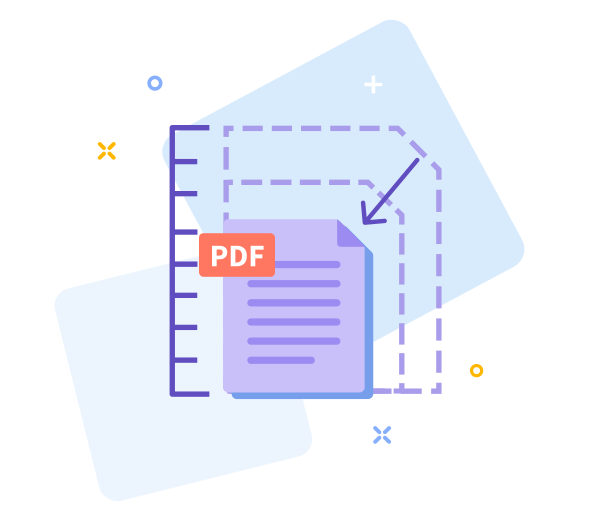
How Does PDF Compression Work?
To reduce large PDFs, we optimize images and remove redundant data patterns. The final file stays high-quality and output-ready while becoming significantly smaller.
Easy Sharing Once You’re Done
Distribute finalized PDFs more easily with smaller files. After compression, instantly generate a secure download link for quick delivery.

Work Faster With Smaller PDF Files
Start refinements now-no installation required. Compress quickly and effortlessly, ready for final use.
Compress Across All Devices
Refine and finalize PDFs from any device or browser-mobile, desktop, or tablet-with consistent results.
Data Regulation Compliance
All processing complies with strict data protection standards (GDPR), ensuring privacy and secure handling throughout the refinement and finalization workflow.
Refine options for final PDF delivery.
If refinements are needed, return to the previous screen with a single click to fine-tune compression for final output.
High - Tech Encryption
We safeguard your documents with advanced TLS encryption, ensuring secure handling throughout finalization.
Compress Your PDF in the Cloud
The tool runs entirely in the cloud for seamless refinement and finalization. Upload your PDF, select a compression level, and proceed; it's free to use online.
Frequently Asked Questions
Yes. This Compress PDF tool is free to use online and supports PDF Refinement and Finalization for delivery-ready documents. You can reduce PDF file size without registration, watermarks, or software installation. Some limits may apply based on file size or usage.
The tool balances size reduction with the integrity required for PDF Refinement and Finalization. Text readability, layout, and essential formatting are preserved, while images are optimized to produce a clean, output-ready file.
Yes. Your files are protected with HTTPS during upload and processing as part of our finalization workflow. Uploaded PDFs are securely deleted from our servers after a brief retention period to protect privacy and data security.

Steps to Refine and Finalize a PDF Online.
Follow these simple steps to refine and finalize your PDF at no cost:
- Drag and drop your PDF into the tool to begin refinement for final use.
- Choose a compression level that balances file size with final quality for delivery.
- Click “Compress PDF” to finalize optimization and wait briefly for processing.
- Download the refined, output-ready PDF to your device.
FAQs on PDF Refinement and Finalization.
-
Is this PDF refinement tool free to use?
Yes. Our PDF refinement tools are available at no cost.
-
Is your compression tool safe?
Absolutely. Each step is encrypted to ensure secure handling of your documents during finalization.
 Remove pages

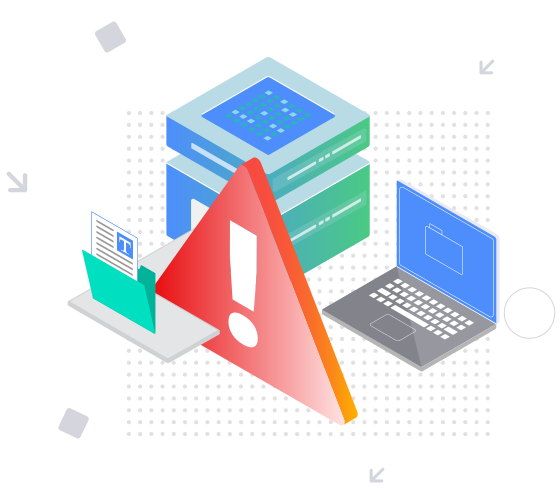


This file requires password
Ignore these files

wrong password
Some file(s) requires password
Damaged/Corrupted File
We cannot process corrupted or damaged PDFs. To verify integrity, open the file with a PDF reader; if it cannot be opened, the file may be damaged. Restore the file and retry the refinement and finalization process.