Convert WORD to PDF
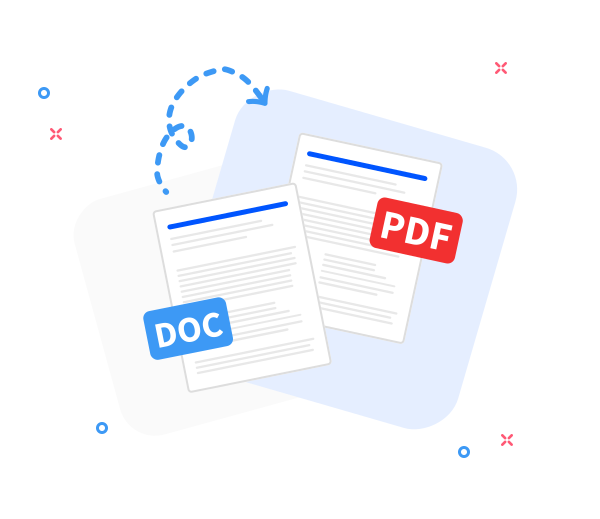
Convert DOC and DOCX to final, refined PDFs for clean viewing and seamless sharing.

Our online Word-to-PDF refinement tool converts .doc and .docx to .pdf with preserved layout, accuracy, and document quality. The resulting PDF is clean, output-ready, and compatible across devices and operating systems.
-
PDF to word converter online free
-
No software download or installation
-
Fast Word to PDF conversion
Premier Online Word-to-PDF Refinement Tool
When finalizing Word documents into PDF, rely on our refinement tool. Trusted by millions for speed, precision, and reliable output.
Seamless Word to PDF Conversion
Prepare any Word document for final delivery by producing a finalized PDF with the original layout preserved. Fast, professional, and completely free-exacting refinement as it should be.
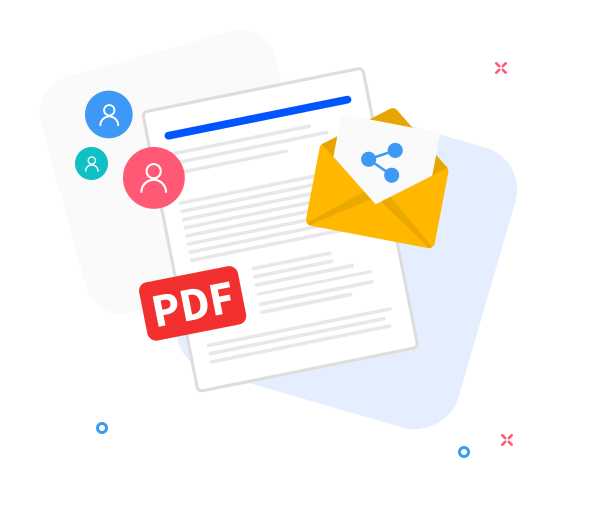
Share the converted files with others.
Our sharing features support final delivery workflows. After refinement and conversion, instantly generate a download link or share the final PDF via email with a few clicks.
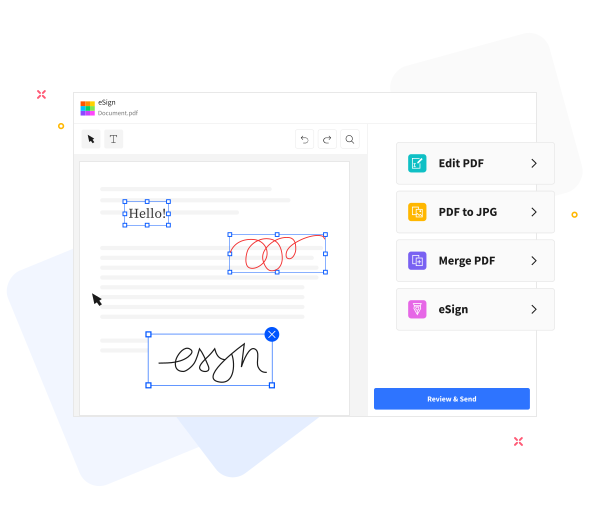
Refine and Deliver Polished PDFs.
Refine and finalize your PDFs with our built-in tools. Prepare final-ready documents by adding text, compressing files for delivery, annotating with precision, and merging with other PDFs seamlessly.
Frequently Asked Questions
Yes. This Word to PDF converter is free to use online. Convert Word documents to PDF without registration, watermarks, or software installation, with an output suitable for final use.
Yes. The conversion preserves text formatting, fonts, images, and page structure to deliver a final PDF that faithfully mirrors the original Word document.
Yes. Data in transit uses HTTPS and processing is automatic. All uploaded Word documents and generated PDFs are removed from our servers after a short retention period to safeguard privacy and support a finalization-ready workflow.

How to convert and finalize a Word document to PDF?
PDF Refinement and Finalization: prepare your Word document for final delivery by converting it to PDF in these steps:
- Drag and drop your Word document to start the PDF refinement for final delivery.
- Click “Convert to PDF”.
- Wait a moment while your document is refined into a clean, ready-to-deliver PDF.
- Click “Download” to save the finalized, output-ready PDF or share it.
 Remove pages